

Search Token/Wallet
Top Wallets for Managing Your Polygon Address
2025-11-23 06:38
Blockchain
Crypto Ecosystem
Ethereum
Layer 2
Web3 wallet
Article Rating : 4.7

0 ratings
Explore the top wallets for managing your Polygon (MATIC) address, focusing on security, convenience, and advanced features. This article includes an in-depth look at the eight best wallet options available in 2025, highlighting key considerations such as accessibility, network support, and security. Understand how Polygon operates and how to select a wallet that fits your specific needs, whether for long-term storage or frequent transactions. Optimize your experience with user-friendly interfaces and safeguard your assets with reliable security measures.
# 8 best Polygon (MATIC) wallets in 2025
Polygon has emerged as a prominent player in the blockchain ecosystem, offering scalable solutions for the Ethereum network. As the popularity of Polygon grows, so does the need for secure and efficient wallets to manage [MATIC](https://www.gate.com/zh/trade/MATIC_USDT) tokens and interact with the network. This article explores the top Polygon wallets available in 2025 and provides insights into choosing the right one for your needs.
## What Is Polygon?
Polygon is a layer 2 scaling solution designed to enhance Ethereum's capabilities. It provides a framework for creating Ethereum-compatible networks and offers its own Proof of Stake (PoS) sidechain. The native cryptocurrency of the Polygon network is MATIC, which is used for transaction fees and network governance.
## What to look for in a wallet
When selecting a Polygon [wallet](https://www.gate.com/web3), consider the following factors:
1. Accessibility and flexibility
2. Supported networks
3. Cryptocurrency support
4. NFT compatibility
5. Security features
6. User interface and ease of use
## Top 8 Polygon (MATIC) wallets
1. Wallet A: A non-custodial, multi-chain wallet offering advanced financial tools and full control over private keys.
2. MetaMask: A popular browser extension and mobile wallet with a large user base, supporting multiple networks including Polygon.
3. Hardware Wallet X: A hardware wallet providing high-security storage for numerous cryptocurrencies, including Polygon-based tokens.
4. Trust Wallet: A mobile wallet with an integrated DApp browser, supporting various networks including Polygon.
5. Secure Wallet Y: A hardware wallet with a built-in OLED display and fingerprint scanner, offering support for Polygon and related token standards.
6. Exodus Wallet: A software wallet available on multiple platforms, providing a user-friendly interface and support for the Polygon network.
7. Versatile Wallet Z: A versatile wallet available as a mobile app and browser extension, supporting Polygon and featuring a DApp browser.
8. Web3 Connector: A wallet focused on Web3 infrastructure, enabling seamless connections between DApps and supporting multi-chain transactions, including Polygon.
## Picking the best wallet for your specific needs
Choosing the right Polygon wallet depends on your individual requirements and preferences. Consider the following aspects:
1. Security: If long-term storage and maximum security are your priorities, hardware wallets like Hardware Wallet X or Secure Wallet Y may be ideal.
2. Convenience: For frequent transactions and easy access, software wallets such as MetaMask or Trust Wallet might be more suitable.
3. Features: Consider wallets that offer additional features like DApp browsers, multi-chain support, or advanced trading tools if these align with your needs.
4. User experience: Look for wallets with intuitive interfaces and good customer support to ensure a smooth experience.
## Conclusion
The Polygon ecosystem offers a diverse range of wallet options to cater to different user needs. Whether you prioritize security, convenience, or specific features, there's likely a wallet that fits your requirements. By carefully considering the factors discussed in this article, you can make an informed decision and choose the best Polygon wallet to manage your MATIC tokens and interact with the network effectively. Remember to always safeguard your polygon wallet address and private keys to ensure the security of your assets.
## FAQ
### How to get a Polygon wallet address?
To get a Polygon wallet address, create a wallet using MetaMask or Trust Wallet, then switch to the Polygon network. Your Ethereum address will be the same on Polygon.
### Does Polygon have a wallet?
Yes, Polygon has its own wallet called Polygon Wallet. It's a secure, user-friendly digital wallet for managing MATIC tokens and other assets on the Polygon network.
### What is an example of a Polygon address?
An example of a Polygon address is 0x742d35Cc6634C0532925a3b844Bc454e4438f44e. Polygon addresses are 42 characters long, starting with '0x'.
### Where do I find my wallet address?
Your wallet address can be found in your Polygon wallet app. Open the app, go to the main screen, and look for a long string of letters and numbers. This is your unique wallet address. You can also tap on 'Receive' to view and copy it.
* The information is not intended to be and does not constitute financial advice or any other recommendation of any sort offered or endorsed by Gate.
Related Articles
Understanding Polygon Blockchain: A Comprehensive Guide
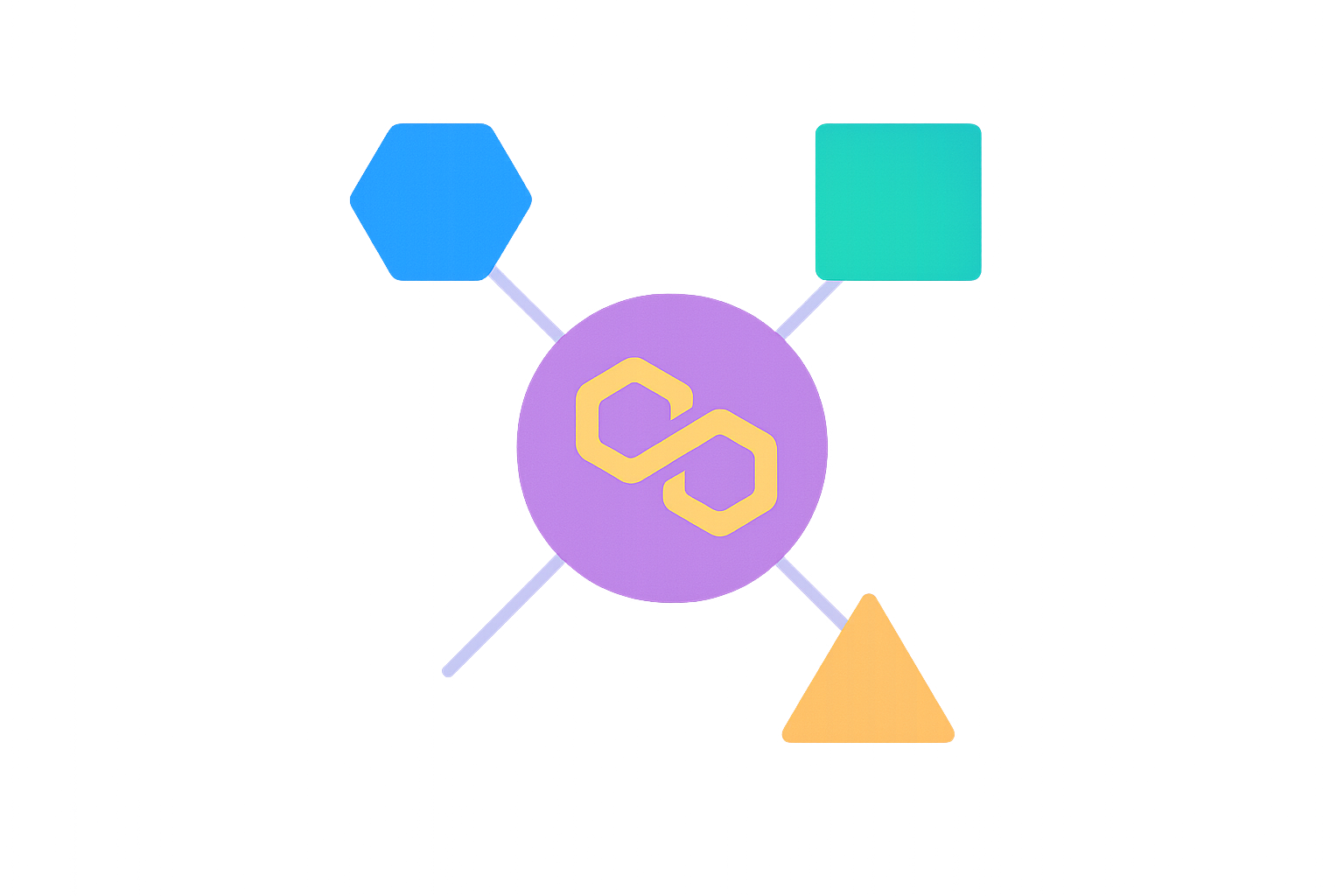
This article explores the Polygon blockchain network, highlighting its significance as a layer-2 scaling solution for Ethereum. It discusses Polygon's technology innovations, including plasma chains, sidechains, and the zkEVM, which improve transaction speed and reduce costs. The guide further explains the role of the MATIC token and its applications across DeFi, NFTs, and gaming sectors. Readers will gain insights into Polygon's contributions to blockchain scalability, security, and decentralized governance, making it a key player in the Web3 ecosystem.
2026-11-04

Understanding the Basics of Smart Contracts
"Understanding the Basics of Smart Contracts" explains the transformative role of smart contracts in blockchain technology. The article covers their definition, unique features such as automatic execution and reduced intermediaries, and origins with Nick Szabo and the Ethereum revolution. It guides readers through the lifecycle, from writing to deployment, and explores applications across DeFi, identity verification, and decentralized trading. Designed for tech enthusiasts and industry professionals, the article enhances understanding by comparing blockchains and smart contracts, providing examples such as Ethereum's ERC-20 standard.
2025-11-30
Layer 2 Scaling Made Easy: Bridging Ethereum to Enhanced Solutions
The article delves into Layer 2 solutions, focusing on optimizing Ethereum's transaction speed and cost efficiency through bridging. It guides users on wallet and asset selection, outlines the bridging process, and highlights potential fees and timelines. The article caters to developers and blockchain enthusiasts, providing troubleshooting advice and security best practices. Keywords like "Layer 2 scaling," "bridge services," and "optimistic rollup technology" enhance content scannability, aiding readers in navigating Ethereum's ecosystem advancements.
2025-12-24
ZK Rollups Explained: Enhancing Blockchain Scalability Through Zero-Knowledge Solutions
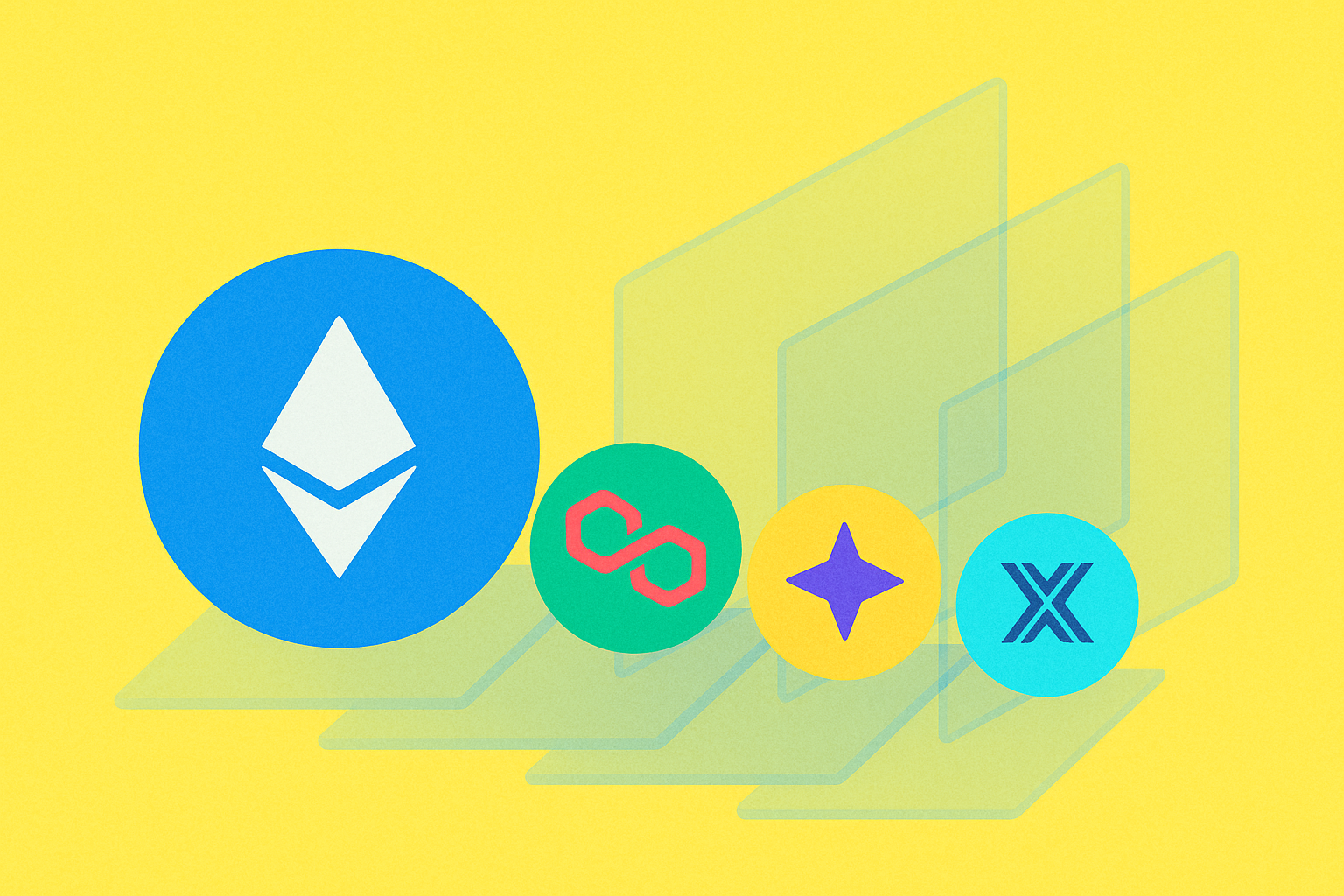
This article delves into ZK Rollups, a key layer-2 scaling solution for Ethereum, enhancing blockchain scalability through zero-knowledge proofs. It addresses the challenges of high transaction costs and congestion in Ethereum's main chain, offering faster transactions and lower fees. Targeted at developers and users involved in Web3 and blockchain applications, the article explains the workings, benefits, and distinctions of ZK Rollups compared to optimistic rollups. Structured to provide clear insights on its applications in DeFi, gaming, and NFT trading, it highlights projects like Polygon, StarkWare, and Immutable X, portraying ZK Rollups as a pivotal technology in blockchain scalability.
2025-12-18
Understanding the Functionality of Polygon Sidechain Technology
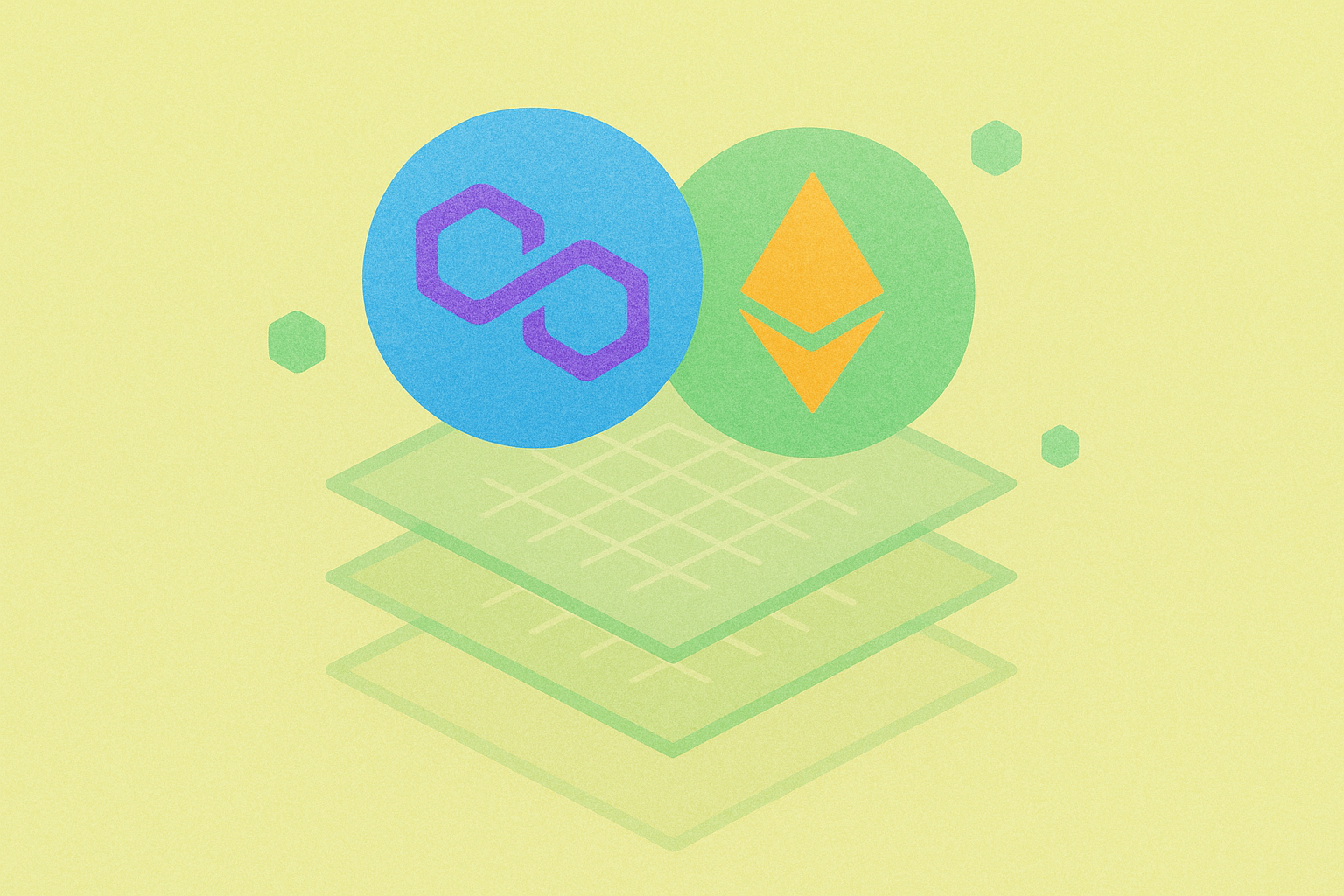
Explore the significance of Polygon, a pivotal blockchain solution enhancing Ethereum's scalability in the Web3 ecosystem, backed by major brands like Disney and Meta. Learn about its layer-2 sidechain technology, offering reduced transaction fees and improved speeds. Delve into MATIC's role in network security and governance, along with comparisons to Ethereum and other layer-2 solutions. Understand its diverse applications in DeFi, NFT trading, and blockchain gaming. Polygon's ongoing commitment to decentralization and security reforms emphasizes its importance in the blockchain industry's growth.
2025-12-20
How do cryptocurrency competitors compare in market share, performance, and user adoption in 2026?
This comprehensive analysis examines how major cryptocurrency competitors diverge across market share, performance, and user adoption in 2026. Bitcoin maintains dominance above 60% while institutional investors adopt core-satellite portfolios allocating 60-80% to Bitcoin and 15-25% to Ethereum. Layer-2 solutions command a decisive 40% market share advantage over legacy networks, with Solana leading at 1,133 TPS and driving institutional TVL beyond $50 billion. Regional adoption varies dramatically: Asia-Pacific accelerates at 11.6% CAGR driven by digital transformation, while North America concentrates 75% institutional users. Trading activity concentrates on Gate and leading platforms, with top five cryptocurrencies maintaining 61% combined market share. Understanding these divergent trajectories is essential for investors navigating competitive positioning and institutional capital flows.
2026-02-08
Recommended for You
What is BULLA coin: analyzing whitepaper logic, use cases, and team fundamentals in 2026
BULLA coin introduces decentralized accounting and on-chain data management innovation built on BNB Smart Chain, eliminating intermediaries while ensuring real-time transaction verification. The platform addresses critical gaps in cryptocurrency infrastructure by embedding accounting logic directly into smart contracts, enabling transparent audit trails and regulatory compliance. Real-world applications include seamless transaction imports across multiple exchanges, comprehensive crypto portfolio tracking, and secure record-keeping for investors. Trade import tools enhance user experience by automating data categorization and consolidation. Founded in 2021 by blockchain architect Benjamin with support from experienced fintech designers and engineers, BULLA Networks demonstrates active development momentum with continuous smart contract iterations through early 2026. The 2026-2027 strategic roadmap prioritizes network infrastructure expansion and enhanced security protocols, positioning BULLA as a robust decen
2026-02-08
What is on-chain data analysis and how does it reveal whale movements and active addresses in crypto?
On-chain data analysis reveals cryptocurrency market dynamics by examining active addresses and transaction metrics that expose whale movements and investor behavior. This comprehensive guide explores how blockchain data serves as a critical market indicator, demonstrating the correlation between large holder activities and price movements—such as FLOKI's 950% surge in whale transactions. The article covers whale movement tracking, holder distribution patterns showing 73.47% concentration among major stakeholders, and on-chain fee trends as cycle indicators. Essential metrics include active addresses reflecting genuine network participation, transaction volumes revealing strategic positioning, and network congestion patterns during market cycles. By tracking these interconnected indicators through platforms like Glassnode and Gate, investors and traders can identify market sentiment shifts, anticipate price movements, and distinguish institutional activity from retail participation, making on-chain analysis i
2026-02-08

What is Vodra (VDR) crypto: whitepaper logic, use cases, and fundamentals analysis for 2026
Vodra (VDR) is a decentralized blockchain platform revolutionizing creator economics through AI-powered infrastructure and transparent compensation systems. The project addresses the creator economy's core challenge—unfair intermediary-controlled monetization—by enabling direct audience-to-creator transactions without traditional gatekeepers. VDR's whitepaper establishes a dual-layer architecture combining artificial intelligence for content assistance with blockchain verification for security and transparency. The platform's real-world applications extend from content monetization to DeFi ecosystem integration, real-world asset tokenization, and AI-driven automation by 2026. Founded by former Google engineer Yu Hu with backing from prominent investors like Dragonfly and The Spartan Group, Vodra positions itself at the intersection of Web3 infrastructure and creator empowerment. Key acquisition channels include Gate and other decentralized exchanges, with development roadmaps targeting API standardization, en
2026-02-08
How do cryptocurrency competitors compare in market share, performance, and user adoption in 2026?
This comprehensive analysis examines how major cryptocurrency competitors diverge across market share, performance, and user adoption in 2026. Bitcoin maintains dominance above 60% while institutional investors adopt core-satellite portfolios allocating 60-80% to Bitcoin and 15-25% to Ethereum. Layer-2 solutions command a decisive 40% market share advantage over legacy networks, with Solana leading at 1,133 TPS and driving institutional TVL beyond $50 billion. Regional adoption varies dramatically: Asia-Pacific accelerates at 11.6% CAGR driven by digital transformation, while North America concentrates 75% institutional users. Trading activity concentrates on Gate and leading platforms, with top five cryptocurrencies maintaining 61% combined market share. Understanding these divergent trajectories is essential for investors navigating competitive positioning and institutional capital flows.
2026-02-08

What is on-chain data analysis and how does it predict crypto market trends
This comprehensive guide explores on-chain data analysis as a foundational tool for predicting cryptocurrency market trends. The article examines how blockchain metrics—including active addresses, transaction volume, and network health—reveal genuine market sentiment beyond price action alone. Key sections analyze whale movements as reliable leading indicators of market direction, demonstrating how large holder distribution patterns expose institutional positioning before broader price shifts occur. The guide further demonstrates how gas fee trends and network congestion serve as real-time sentiment gauges across different blockchain architectures. By tracking these on-chain indicators on platforms like Gate, traders can identify market opportunities before mainstream recognition. The article emphasizes that while on-chain analysis provides measurable predictive value through transaction flow analysis and holder behavior patterns, it functions best as a complementary tool alongside other market analysis metho
2026-02-08
How Does VeChain (VET) Community and Ecosystem Activity Compare to Other Layer 1 Cryptocurrencies in 2026?
This comprehensive analysis examines VeChain's community and ecosystem activity relative to competing Layer 1 blockchains in 2026. The article evaluates VeChain's multimillion-follower social infrastructure across Discord and Telegram, extensive developer ecosystem featuring 5,000+ DApps, and robust on-chain metrics with 2.5 million daily active addresses. Key findings highlight VeChain's enterprise-grade differentiation through supply chain solutions, institutional partnerships with Fortune 500 organizations, and proven real-world applications. While VeChain demonstrates lower developer numbers than Ethereum and Solana, its focused positioning in enterprise adoption, regulatory compliance through MiCA alignment, and strategic partnerships with DNV and Boston Consulting Group establish competitive advantages in B2B blockchain adoption, positioning VET as a distinctive Layer 1 leader within enterprise-centric ecosystems.
2026-02-08